A complete site from day one
A ready design with its pages. Edit text, media, menus and identity yourself, with a preview before publishing.
Managed websites on GoRun
Create a website your team can manage: clear content, a ready design, and permissions for review before publishing. Start on GoCloud and add setup or operational help when you need it.
Free GoCloud subdomain, no card at signup · Managed hosting $19 per month, or $228 per year

Agents and MCP
Configure an AI provider or MCP connection profile, then choose the task context and permissions. Supported managed-text tool calls require individual review; publishing and site-change approvals depend on site settings and key policy.

GoRun is the content management system. GoCloud sets up your website on it and runs it for you.
A ready design with its pages. Edit text, media, menus and identity yourself, with a preview before publishing.
Drafts and review before publishing, and a role for each person based on what they need.
Track setup from your account and connect your own domain during a paid term. Domain registration and email are separate.
Free experimental preview
A native Mac window for your existing GoRun site: enter your site's domain and sign in through its own admin.
Experimental: password sign-in, editor saves and file uploads are not complete yet. The app does not create an account.
One website on a GoCloud subdomain, no card.
Or $228 per year, with your own domain.
Requirements, delivery and support agreed before work starts.
Prices in USD. Domain, email and AI provider costs are separate.
Three editable designs. Pick the closest fit, then make the content and identity your own.
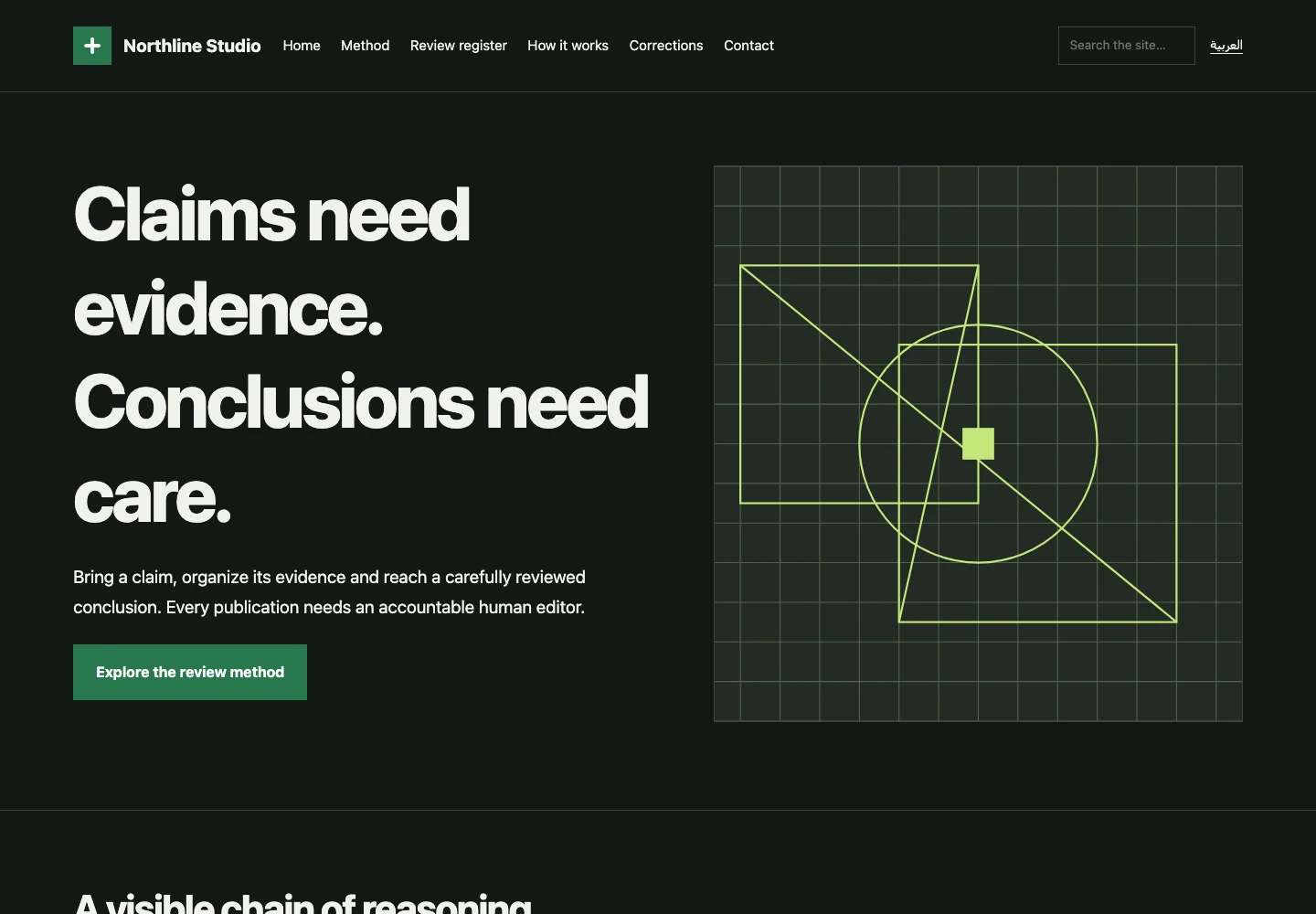
Explain the mission, describe the service and provide a clear enquiry route. Prepare the team introduction, service scope and a contact route with an assigned owner.
Choose from the design libraryA preview of the starting layout. Your team provides the content and identity.
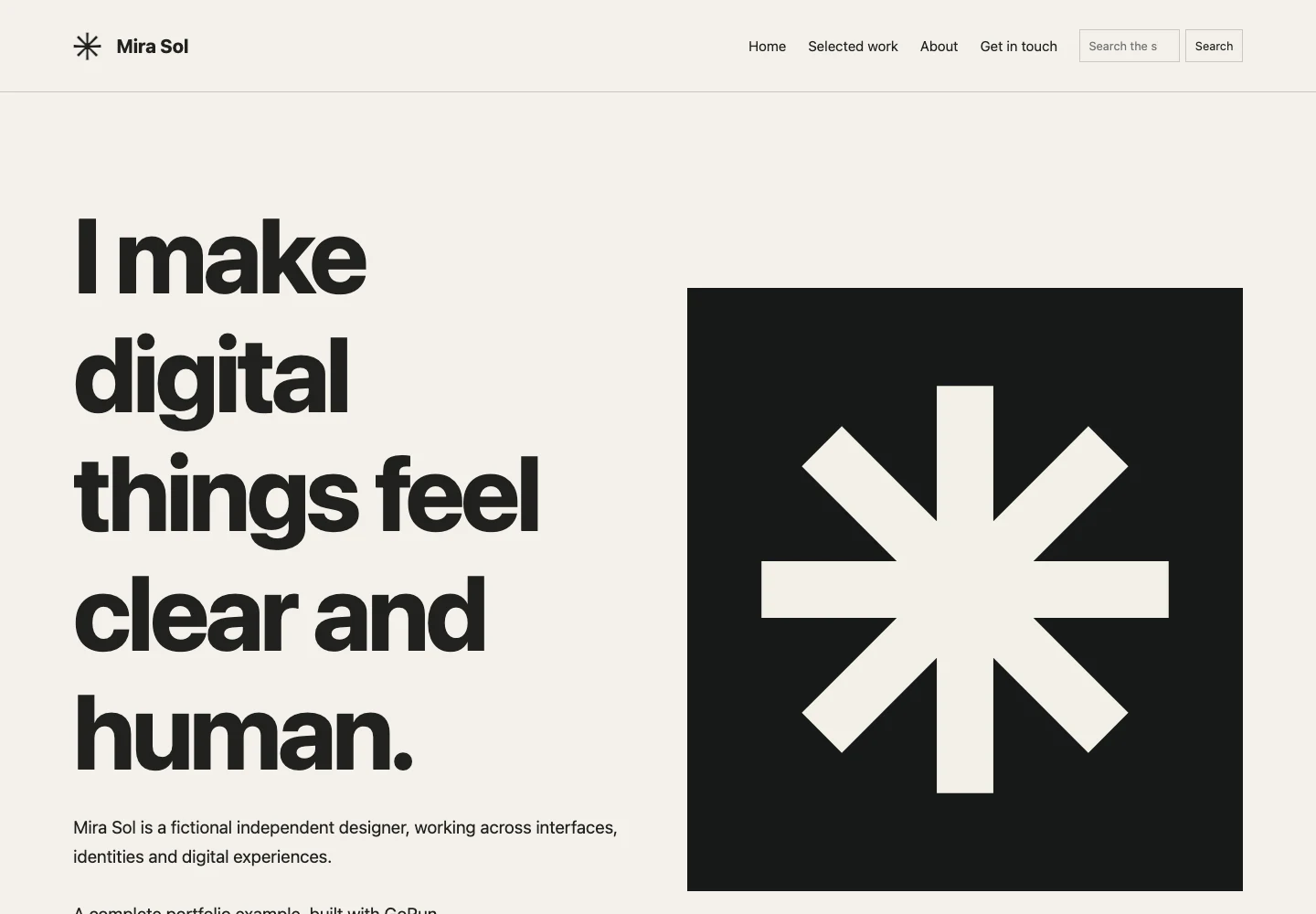
Choose projects that explain your role and deliverables. Prepare approved images and describe the problem and your contribution rather than an image gallery without context.
Choose from the design libraryA preview of the starting layout. Your team provides the content and identity.
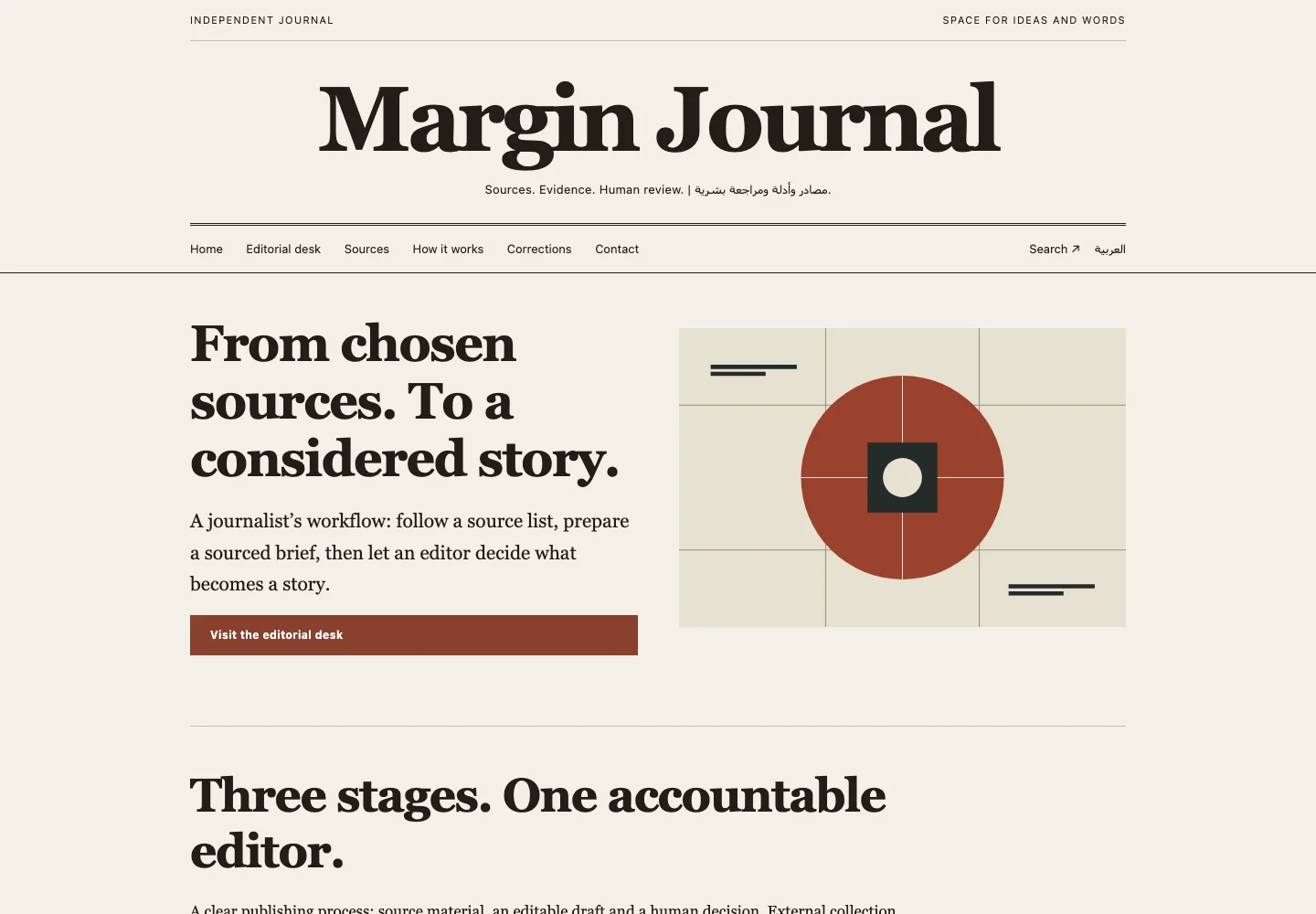
Organize topics, authors and review ownership. Prepare the first articles and their sources before adding empty categories.
Choose from the design libraryA preview of the starting layout. Your team provides the content and identity.
Starter design screenshots, not customer sites.
From a brief to a public website
Choosing a design is the beginning. A launch needs a clear message, complete pages and someone responsible for reviewing the visitor experience.
Who is visiting, what do they need to know, and what should they do next?
Prepare your introduction, services, images and contact route. Replace starter copy with your actual content.
Open the site on a phone, check links and forms, and review each language before announcing it.
Decide who publishes, follows up enquiries and manages the account and domain after launch.
Start with what your audience needs, then choose a design that helps them reach it.
Explain the mission, services or programmes, how you work and how to reach the responsible person.
Plan an organization websiteSelected projects explaining your role and deliverables, with images you can publish and a clear way to enquire.
Prepare the project storiesOrganized topics, author context and clear sources, with an owner who reviews and updates the content.
Structure the publicationBefore you choose
Review the plan, domain and external services. Your team owns the content, publishing rights and site responsibilities; additional integrations need their own assessment.
Compare plan scopeYour content brief
Prepare these materials once to make page editing faster and team reviews clearer.
Temporary selections on this page, not an automated audit or a readiness approval.
Arabic and English
Translating the headline is not enough. Visitors need consistent content, the right reading direction and links to the appropriate version.
Review menus, headings, service descriptions, forms and error messages. Test the language switch from an internal page and check its destination.
Check text wrapping, numbers and email addresses in the right direction. Review images and buttons without zooming or horizontal scrolling.
After the site goes live
Open pages outside the dashboard. Check contact routes, images, account links and the domain visitors will share.
Assign an owner to update services, availability and contact details. Follow incoming enquiries through the channels you actually use.
Identify the account and domain owner and who reviews service renewal. Keep a secure contact route for operational issues.
Yes: pages, media, menus and identity, with a preview before publishing.
They are separate services from the website start. A custom domain can be connected during a paid service term.
Yes. GoRun can run on your own server; migration assistance has a separate scope.
No. The Mac preview opens a GoRun site you already have; its guide explains the requirements. Read the preview guide
Pick a design. Create your site. Pay later.